Scan a prescription, check every detail, then save
One photo. Your schedule, ready to check. Dosia reads your prescription and sets out each medicine, its dose and its times, and nothing is saved until you've looked at it.
How it works
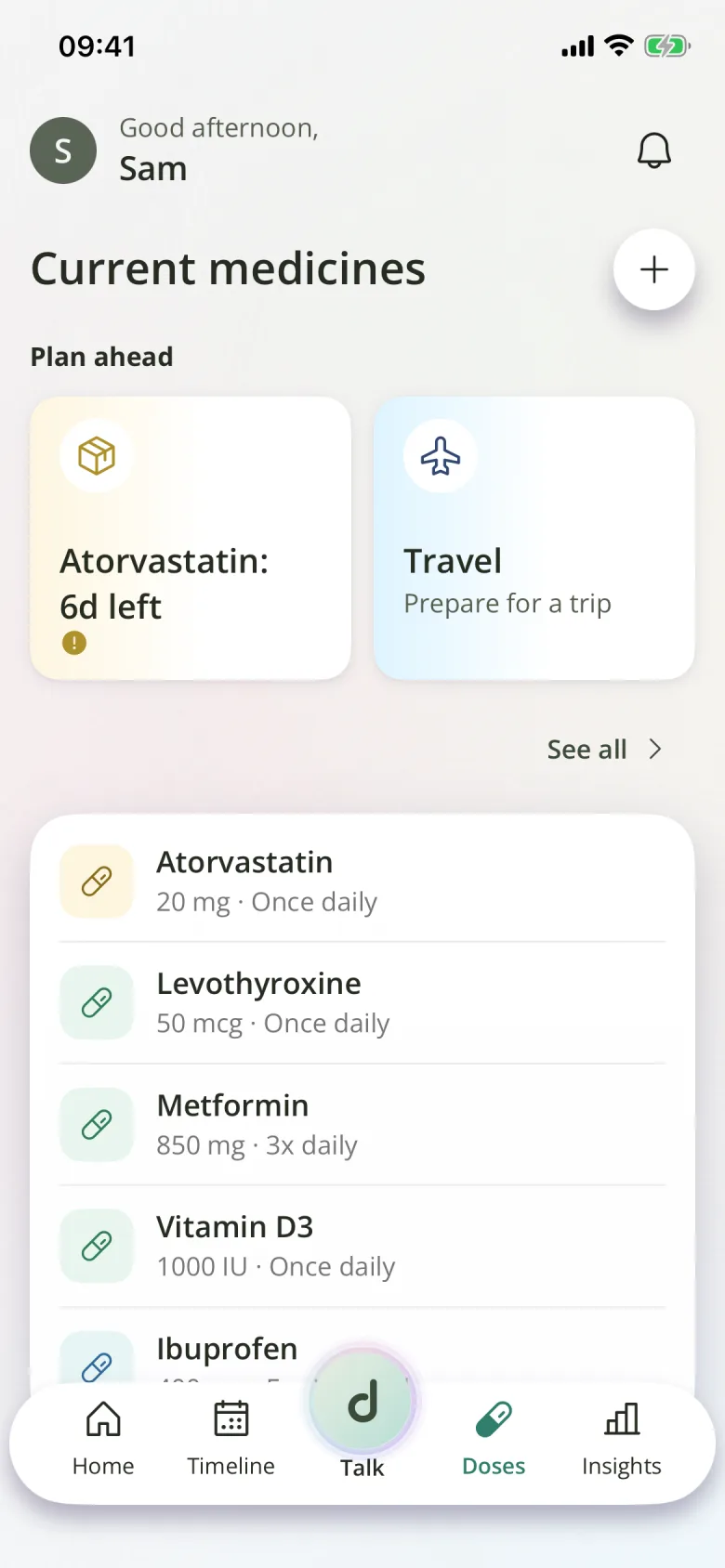
On Doses, tap + and choose to scan with the camera, or upload photos or a PDF. You can also share a prescription into Dosia from another app. Dosia reads up to 8 pages of a PDF, one page at a time.
Dosia reads the text on your phone first. If you've said yes to AI features, it sends that text, not the photo, to an AI service provider, which picks out each medicine, its strength, how often to take it, food rules and whether it's as needed. The same medicine on two pages becomes one.
You check everything
Every medicine waits for your check, however sure the reading is. Dosia asks about one thing at a time: the name, then the dose, then the schedule, and you can correct anything. Lines such as the prescriber's name, your address or a phone number are never saved as a medicine.
If a medicine is already on your list, Dosia says so, and you choose to skip it, update it or add to its supply. Nothing is written until you save, and leaving the scan discards it.
AI features are off until you say yes
The first time you scan, Dosia asks before any text is sent. Say no and Dosia still reads the prescription, on your phone only. That reading is simpler, with at most one medicine per page, so you may fill in more yourself.
Photos and PDFs stay on your phone. They're never uploaded, and we never sell your data.
When it can't read it
If nothing readable is found, or a PDF is protected, Dosia says so and offers what still works: try again, pick photos instead, or type the medicine in yourself. Typing it in is always there.
Questions
Can I scan a prescription that's already a PDF?
Yes. Upload it, or share it to Dosia from your email or files. A password-protected PDF can't be read, but a screenshot of its pages can.
Does Dosia check that my prescription is right?
No. It reads what's printed and you confirm it. It doesn't check doses or interactions, and it isn't medical advice.
What if I don't want to use AI at all?
Choose Not now when Dosia asks. Scanning still works on your phone, and you can always type a medicine in. You can turn AI features on later in Profile, under Your data.